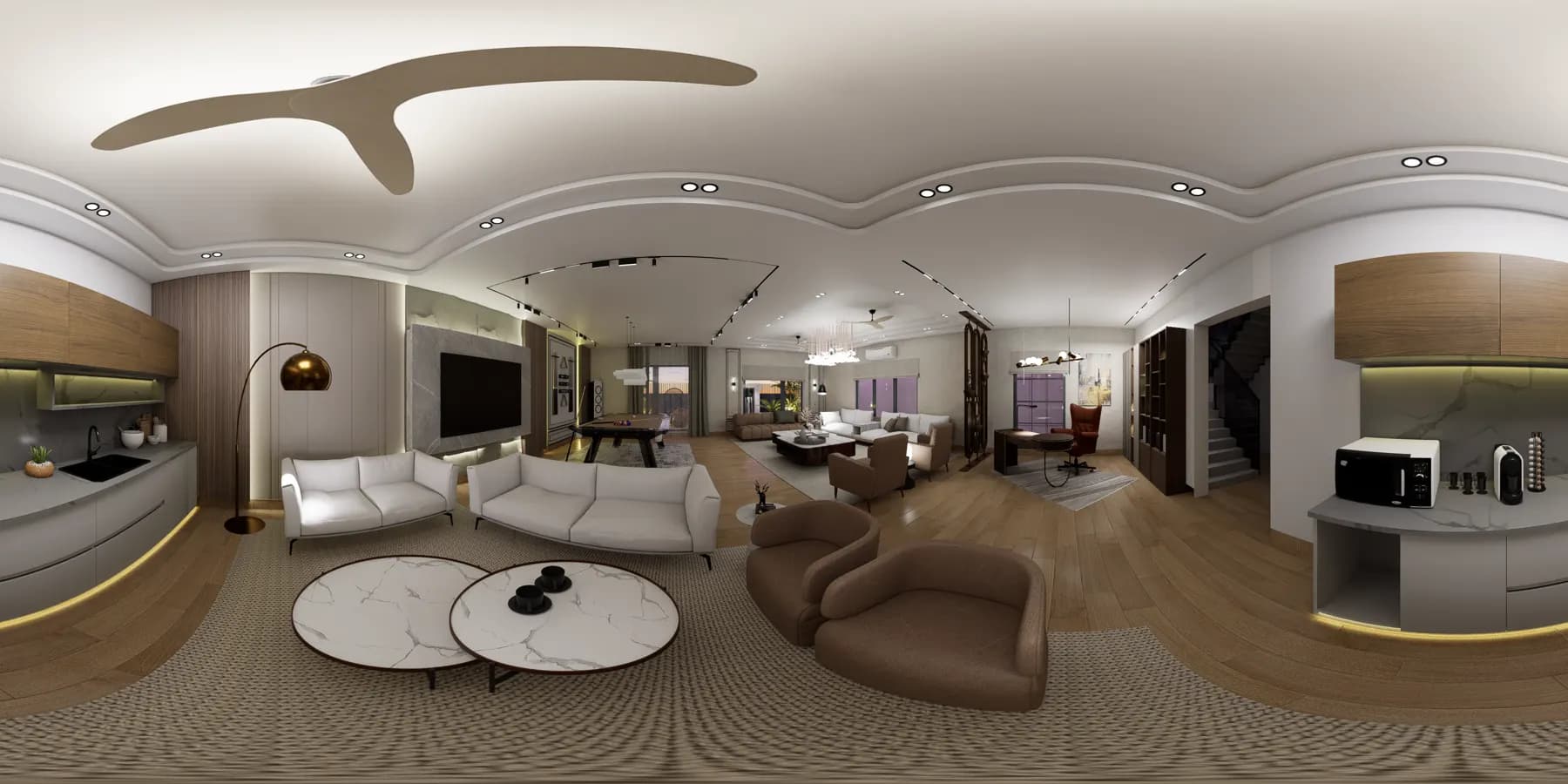
Panorama Views
Let clients look around rendered spaces instead of interpreting a sequence of disconnected screenshots.
ArchWalk for Architects
Bring floor plans, Panorama Views and browser-based 3D walkthroughs into one polished Client Review. Clients can explore the design at their own pace and leave feedback where it actually belongs — in context.
No client account required · Optional password protection
Shared review
Residence Project
Client note
Can the ceiling detail align with this entry view?
Floor plan
Doorway-linked views
Architectural design review
Floor plans can be difficult for non-designers to interpret, while folders of renders separate feedback from the space being discussed. ArchWalk turns the material you already prepare into one guided, visual review experience.
Static screenshots
Immersive review
Which wall?
Pinned visual feedback
Separate floor files
One connected Project review
Floor-plan navigation keeps everyone oriented. The review itself is about helping clients understand the design — and leave feedback where it belongs.
Let clients look around rendered spaces instead of interpreting a sequence of disconnected screenshots.
Let clients explore a prepared 3D model directly in the browser and understand how spaces relate to one another.
Keep comments tied to the relevant view or location so the next design conversation starts with shared context.
Explore in 3D
Upload a prepared 3D model and turn it into a browser-based walkthrough for client review. Choose where the experience begins, let clients orbit or walk through the design, and keep the walkthrough inside the same review as your Panorama Views and feedback.
Browser-based
Clients explore without opening modelling software.
Starting point
Choose where the walkthrough begins.
Orbit or walk
Help clients understand the space spatially.
One Client Review
Panorama, 3D and feedback stay together.
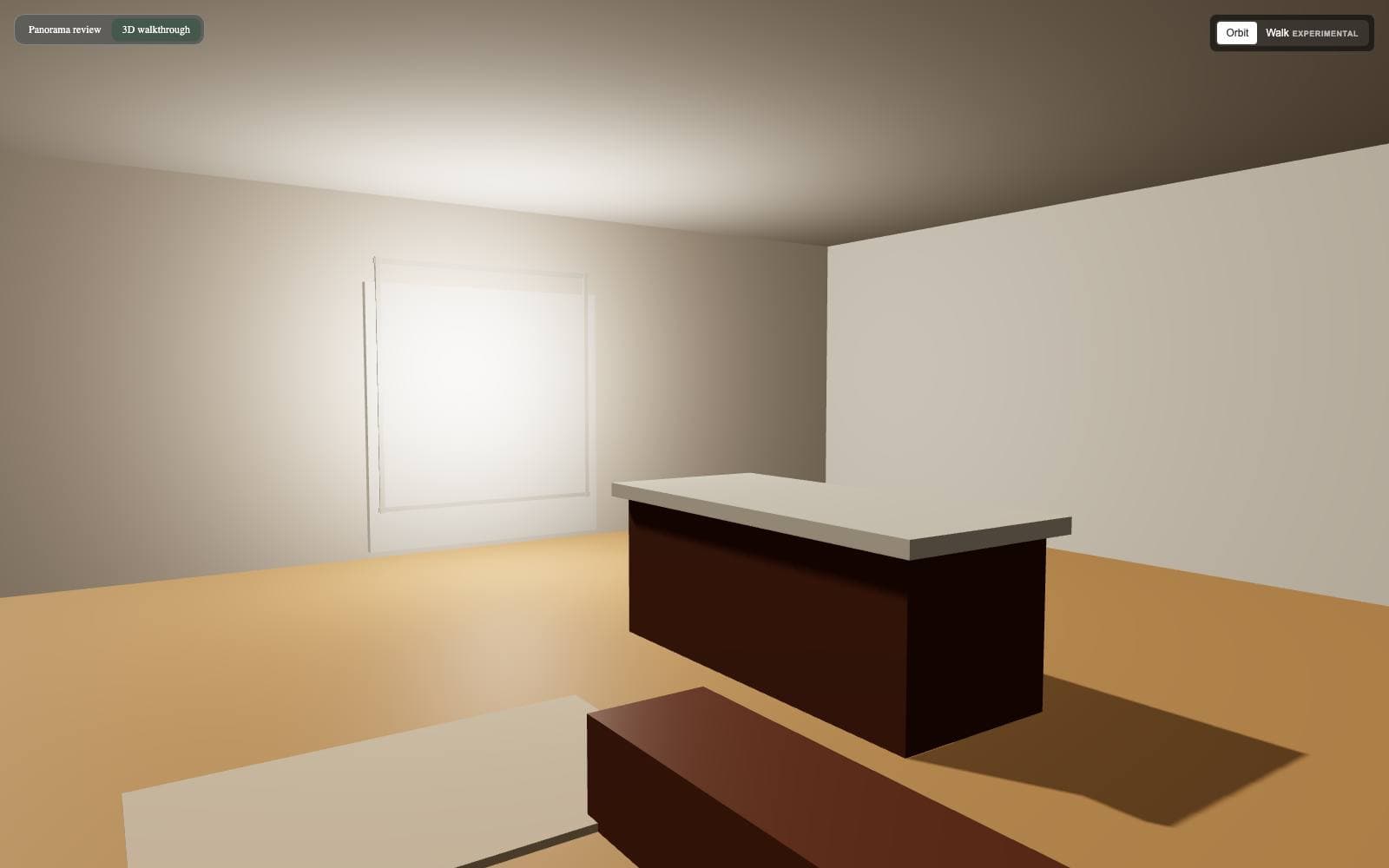
Clients review a prepared model in the browser. They do not model, edit CAD, or author BIM in ArchWalk.
How it works
Step 1
Organise the Project by Floor / Area, add the floor plan, and include Panorama Views, a prepared 3D walkthrough, or both.
Step 2
Place views on the plan, connect nearby viewpoints, and choose where the 3D walkthrough begins.
Step 3
Send one branded Client Review where clients explore the design and comment directly on the relevant place.
Clients move between Panorama Views, nearby connected viewpoints, and a browser-based 3D walkthrough while staying oriented to the design.
Pinned feedback keeps each comment associated with the relevant view, 3D location, or visual place under review.
Share selected Floors / Areas in a polished Client Review with Studio branding and optional password protection. Clients do not need an ArchWalk account.
Let clients look around rendered spaces instead of interpreting a sequence of disconnected screenshots.
Let clients explore a prepared 3D model in the browser and understand how spaces relate to one another.
Show where each view belongs so the Client Review stays easy to navigate.
Keep comments tied to the relevant view or location so the next conversation starts with shared context.
Share selected Areas with Studio presentation and optional password protection.
Ask for architect-only design feedback using the current Project and view as context.
Trust and privacy
Request a focused walkthrough of ArchWalk for Architects for your Studio and current review process.